ATS-friendly CVs: what they are and how to make one
Many employers and agencies use software to collect and filter CVs before a person reads them. Here is how to make sure yours is read properly.
What is an ATS?
An applicant tracking system is the software behind many online application forms and job boards. It reads your CV, pulls out your details (name, jobs, dates, skills) and lets recruiters search and filter candidates. If it cannot read your CV properly, your experience may not show up in those searches.
What trips an ATS up
- Text inside images, text boxes or headers and footers
- Complicated tables and multi-column layouts
- Unusual section names, such as "My journey" instead of "Work experience"
- Skill bars, icons and graphics with no text
- Dates in inconsistent formats
How to make an ATS-friendly CV
- One column, top to bottom
- Standard headings: Professional Summary, Work Experience, Education, Skills
- Plain text for every fact, including your contact details
- Keywords from the advert where they are true for you
- Consistent dates, such as "Jan 2021 – Present"
- Send Word or PDF, whichever the form asks for
Do you need two versions?
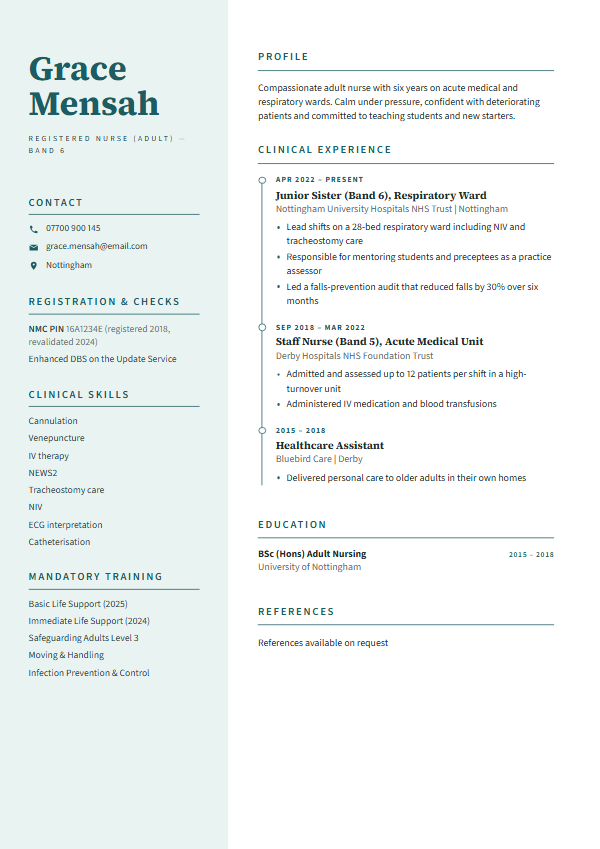
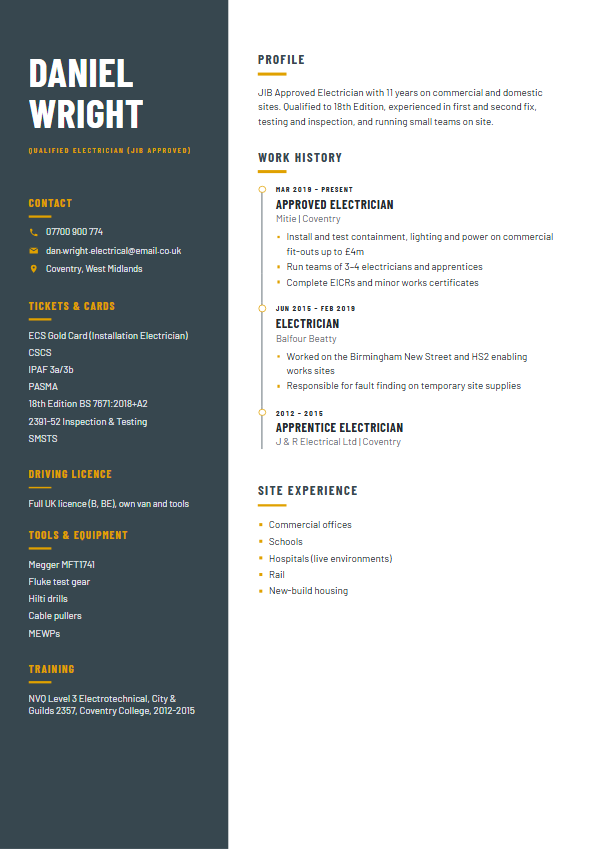
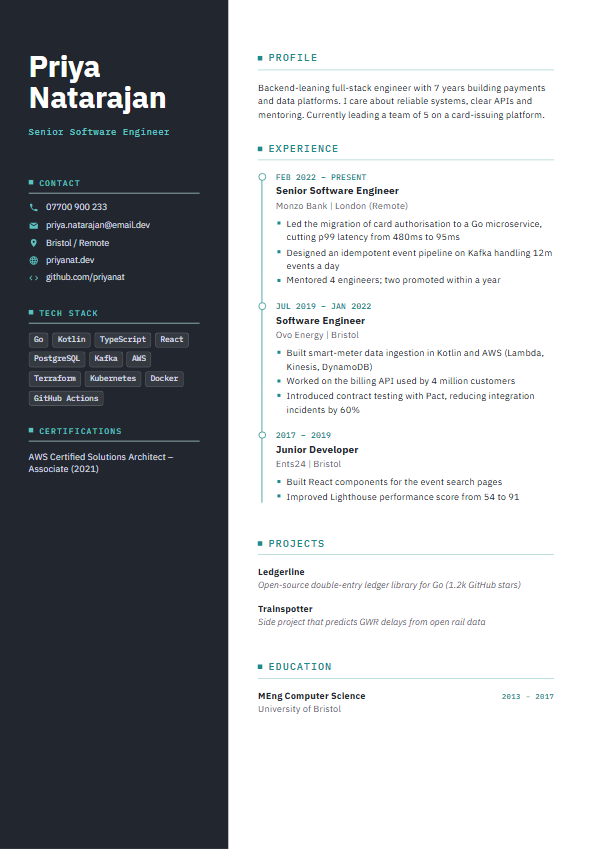
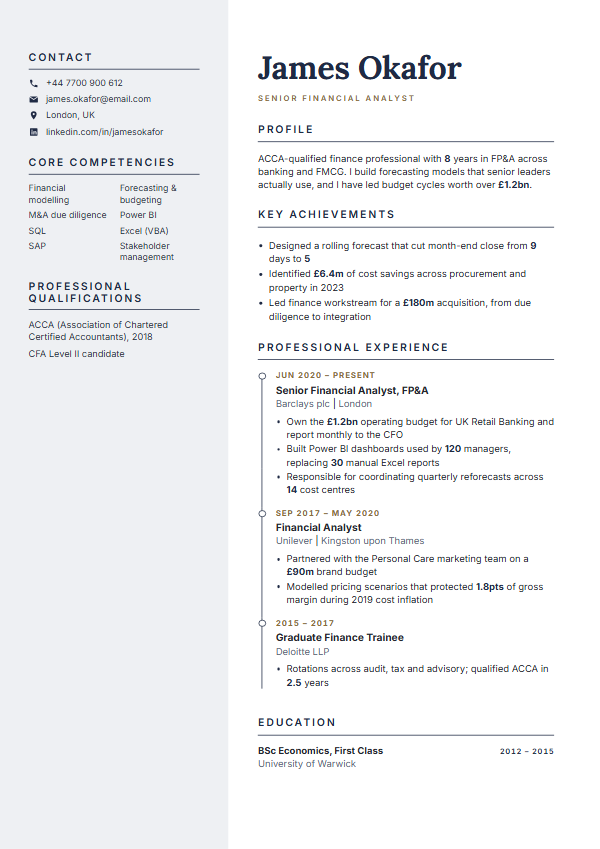
It helps. A designed CV looks better when a person opens it from an email or you hand it over at an interview. An ATS version is safer for online application portals. Both should say the same things.
Get both from one CV
Your CV Studio gives you both from the same content: a designed PDF and Word file, plus ATS Word and ATS PDF versions with a single column, standard headings and no tables or photo. Paste your CV to try it.